
Four Apps. One Ecosystem. Total Control.
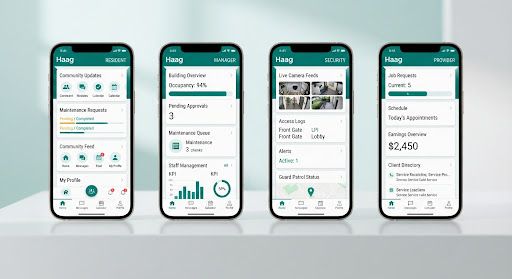
Dedicated mobile apps for Facility Managers, Residents, Security Personnel, and Service Providers. Each app is purpose-built for its user's workflow.
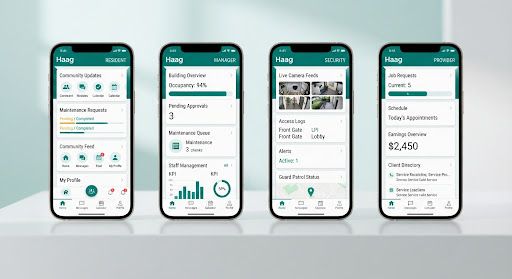
Key Benefits
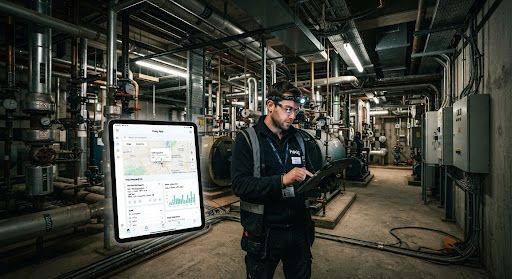
Role-Specific Interfaces
Each app shows only what its user needs. No clutter, no confusion, just the right tools.
Offline-First Design
Core features work without internet. Data syncs automatically when connectivity returns.
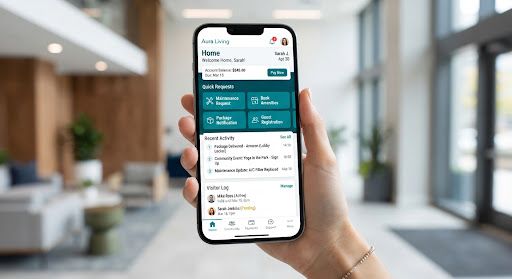
Push Notifications
Real-time alerts for service requests, visitor arrivals, payment confirmations, and emergencies.
Facility Manager App
Explore the capabilities
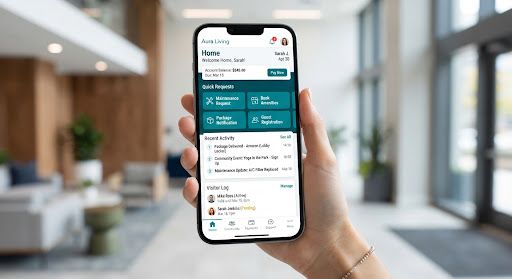
Facility Manager App
Oversee all properties, approve requests, review reports, and manage staff from one dashboard.
How Mobile Apps Works
A simple, step-by-step process.
Download App
Get the right app from App Store or Google Play. Available for iOS and Android.
Authenticate
Log in with credentials provided by your property manager. Role-based access is automatic.
Set Preferences
Configure notification preferences, language, and default property.
Start Working
Access your role-specific tools and start managing your facility experience.
Frequently Asked Questions
Most setups are completed within 1-2 weeks, depending on the size of your property portfolio.
No. Haag works with your existing infrastructure. Smart hardware enhances the experience but is not required.


